
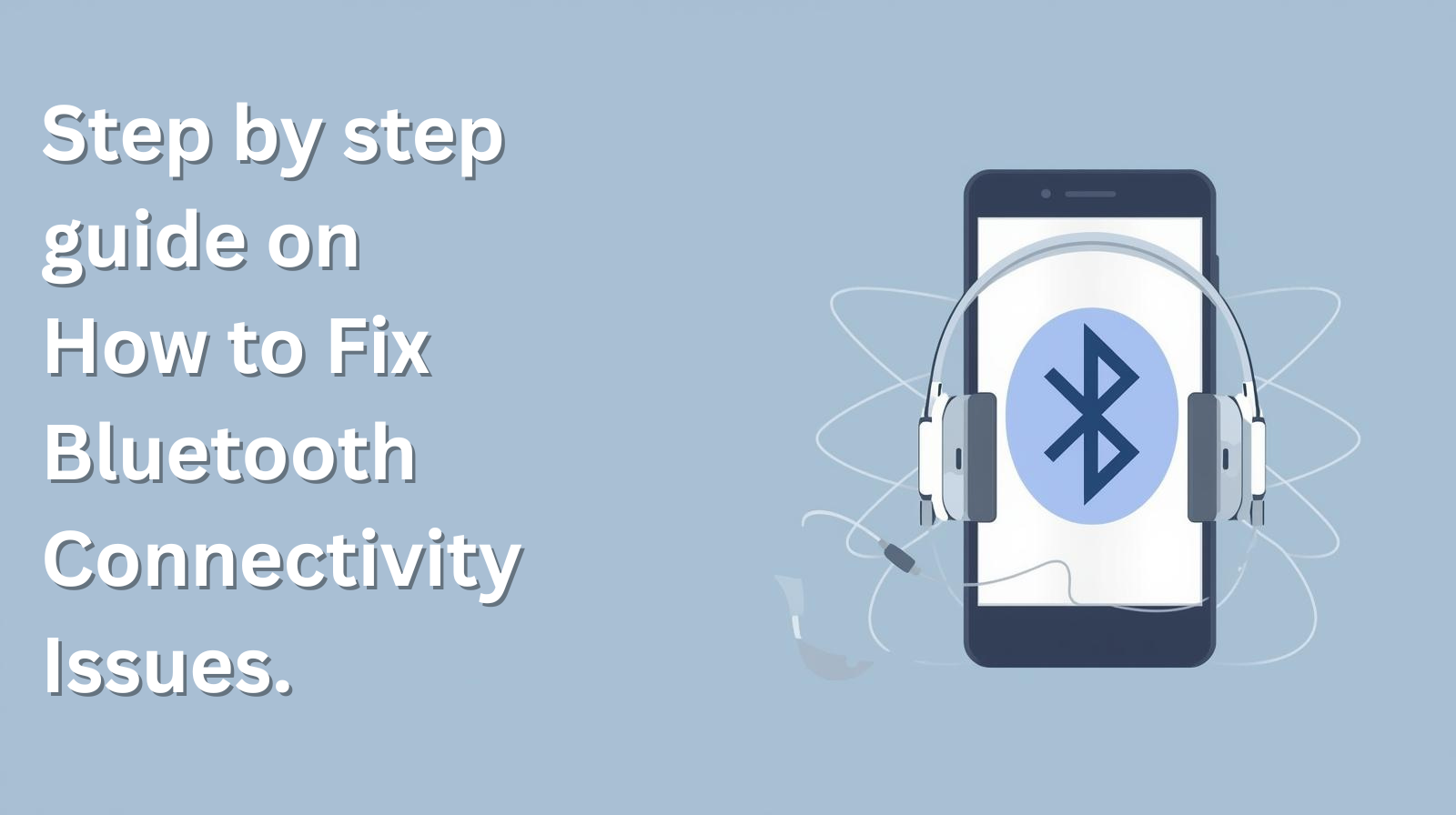
Bluetooth connectivity issues are common in smartphones, but most problems can be fixed with careful troubleshooting. Here’s a step-by-step guide for resolving Bluetooth connection problems in 2025.
Step 1: Basic Checks
- Ensure both devices support Bluetooth and are compatible.
- Confirm Bluetooth is enabled on both devices.
- Place devices close together to avoid proximity issues.
Step 2: Restart Devices
- Reboot your smartphone and the accessory (speaker, wearable, etc.).
- Power cycling can fix temporary software glitches and refresh the connection process.
Step 3: Clear Pairing and Reconnect
- Go to your phone’s Bluetooth settings and “Forget” the device causing trouble.
- Enable pairing mode on the accessory.
- Search and re-pair the device from scratch.
Step 4: Clear Bluetooth Cache (Android Only)
- On Android, go to Settings > Apps > Bluetooth > Storage > Clear Cache.
- Restart the phone and try connecting again.
- Clearing cache removes corrupted or outdated settings and may restore proper function.
Step 5: Update Software/Drivers
- Check for OS updates on your phone via Settings > System > Software Update.
- Update Bluetooth drivers on your laptop via manufacturer’s update utility.
- New updates may fix bugs and compatibility problems.
Step 6: Reset Network Settings
- On Android, navigate to Settings > System > Reset Options > Reset Wi-Fi, Mobile & Bluetooth.
- On iPhone, go to Settings > General > Reset > Reset Network Settings.
- This resets all network configurations, including Bluetooth, to their defaults and resolves deeper conflicts.
Step 7: Battery Levels and Interference
- Make sure both devices have enough charge, as low battery can block pairing.
- Move away from sources of interference like microwaves, routers, or large metal objects.
Step 8: Factory Reset (Advanced)
- If nothing else works, consider a factory reset of your phone (after backing up data).
- As a last resort, this can solve persistent Bluetooth issues originating from corrupted system software.
Common Questions
- What if my device doesn’t show in available devices?
- Clear Bluetooth cache, enable pairing mode, and ensure visibility.youtube
- Will software updates fix Bluetooth bugs?
- Most updates include bug fixes for connectivity problems.
- Does battery level affect Bluetooth stability?
- Yes, low charge can cause connection drops or failed pairing attempts.
This guide helps resolve typical Bluetooth connectivity problems faced by Indian smartphone users in 2025 using up-to-date troubleshooting steps.
- Nothing Phone 4a: Is It Actually Worth the Hype for Indian Buyers?
- Renault Duster 2026: Everything You Need to Know Before Booking
- Trending Summer Kurta 2026: The 10 Styles That Are Ruling Instagram Right Now
- Holi Skin Rescue 2026: The Ayurvedic Routine That Actually Works After Colors
- Samsung Galaxy S26 vs iPhone 17 Pro Max: Which One Should Indians Buy in 2026?
About the Author